Free on Google Play · Android 12+

51 image tools. One app.

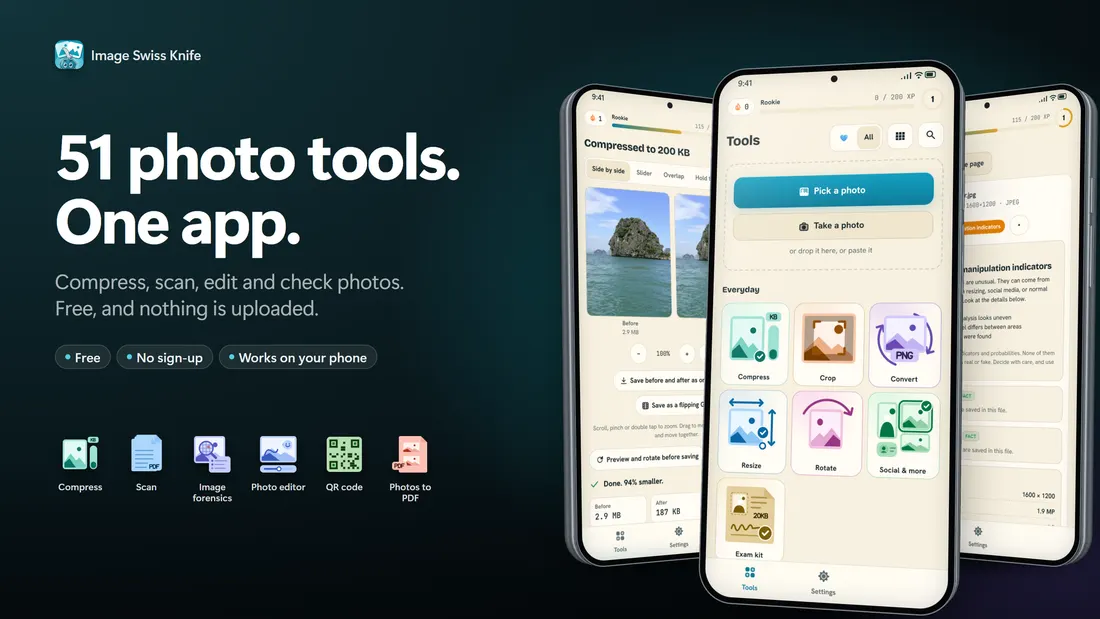
Photo too big for the form? A page that needs scanning? A HEIC that nothing opens? Image Swiss Knife does each job in about three taps, on your phone, and your pictures never leave it.

  • Free, no sign-up
  • Pictures stay on your device
  • Ads keep it free
51tools
9groups
0sign-ups
COMPRESS94% smaller
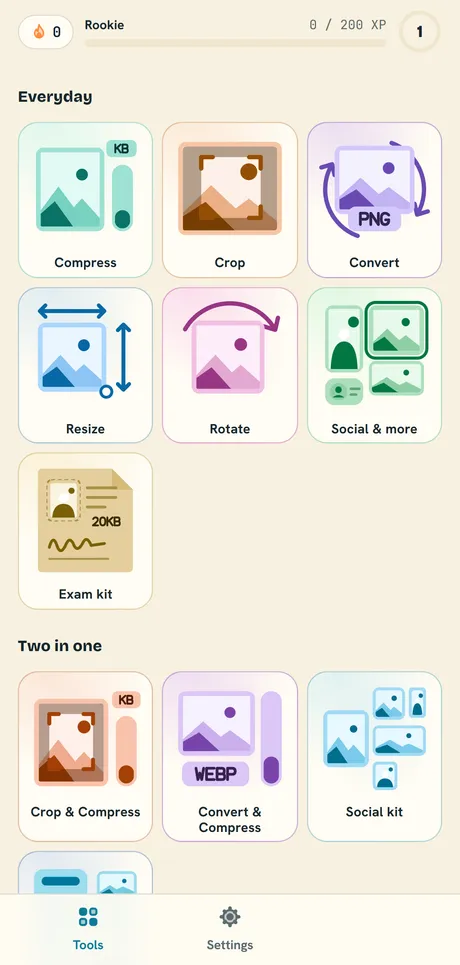
Image Swiss Knife screen 1Image Swiss Knife screen 2Image Swiss Knife screen 3Image Swiss Knife screen 4Image Swiss Knife screen 5Image Swiss Knife screen 6
PRIVATENothing uploaded
01PickA photo, a video, a PDF or the camera.
02ChooseA size, a shape or a look.
03SaveOr share it straight from the app.
Exact size

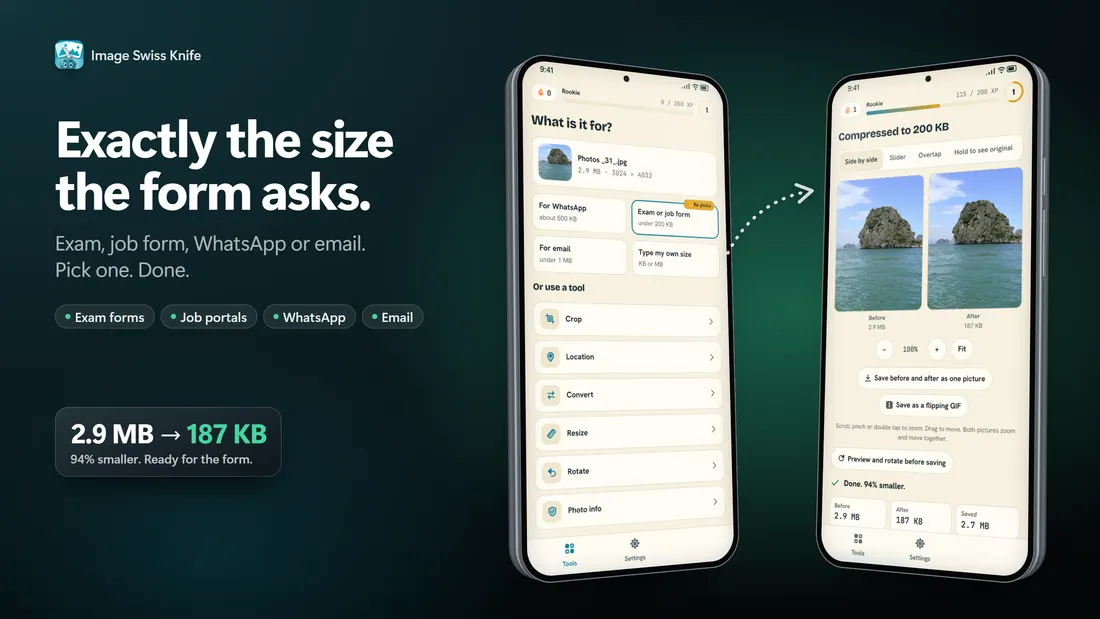
A photo under 200 KB, first try.

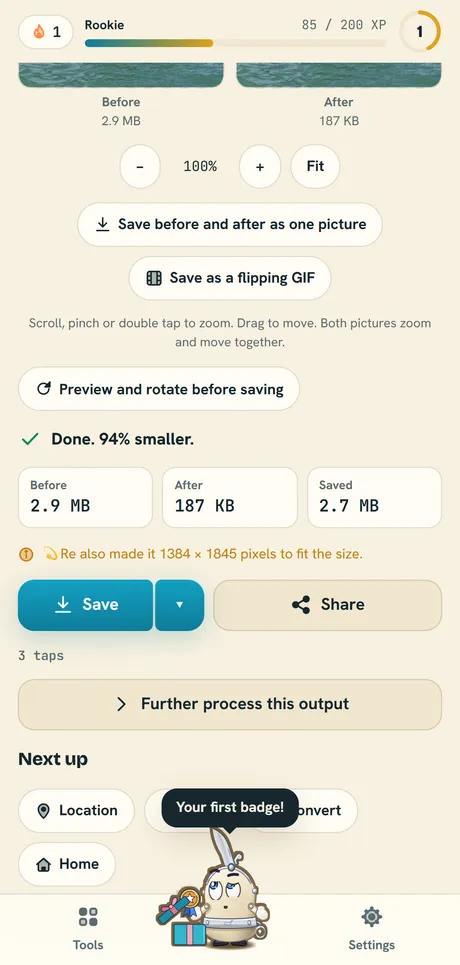
Exam forms, job portals and email set a hard limit, and a phone photo is often 3 to 5 MB. Type the size the form asks for, or tap 50 KB, 100 KB, 200 KB, 500 KB or 1 MB. 💫Re shrinks the picture until it fits and shows the real file size before you save.

  • Pick many photos at once, they all get the same size
  • Before and after sizes on the result screen
  • Crop and Compress sets the shape and the size in one step
Compress a photo
Compress result screen: 2.9 MB photo made 94 percent smaller
Scan

Paper in, clean PDF out.

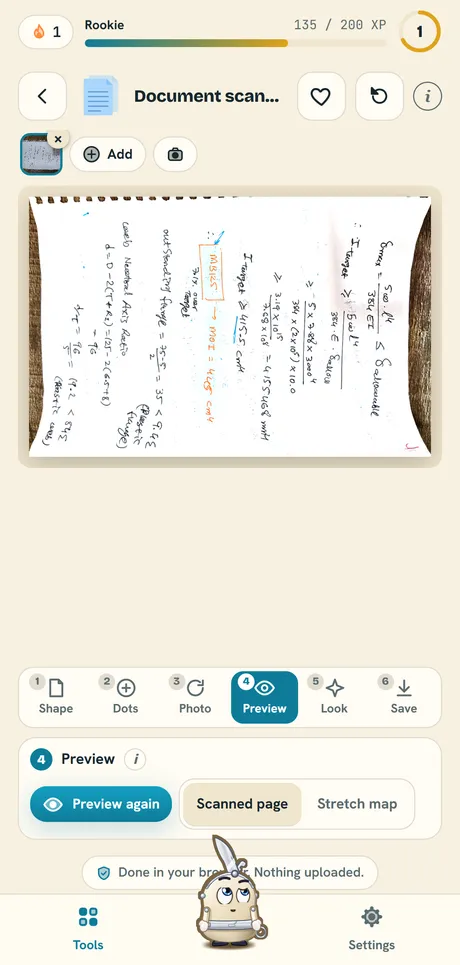
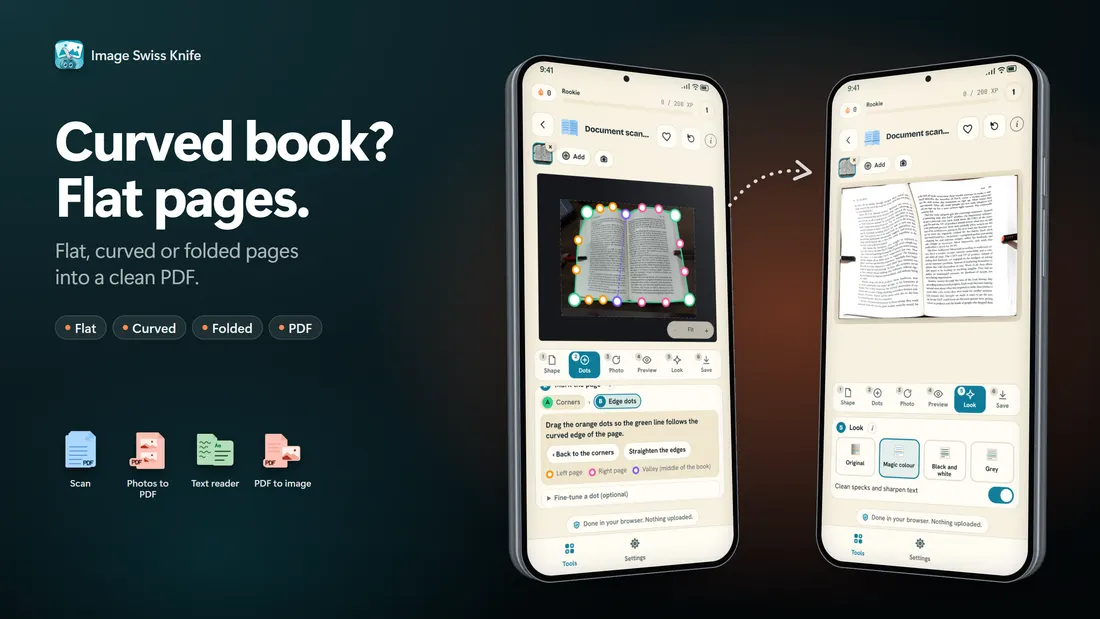
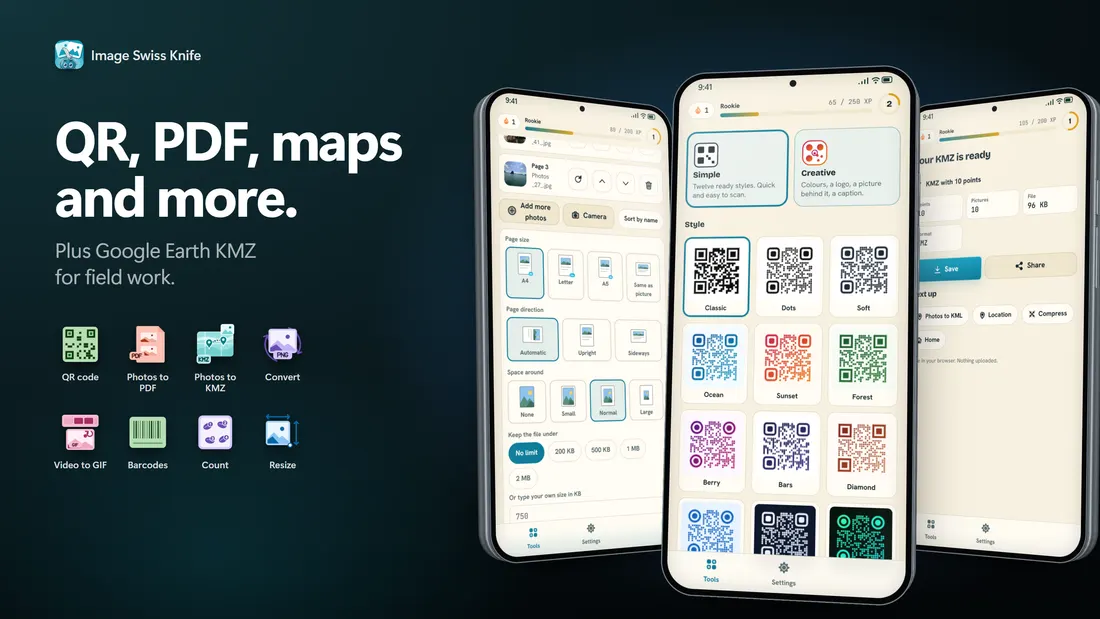
Photograph a page, mark its four corners and Re flattens it. Flat sheets, curved pages, folded papers and book pages each have their own mode. Save the pages as one PDF, with text you can search.

  • Flat, curved, folded and book modes
  • Many pages into one PDF
  • Text reading downloads its language once, the first time you use it
Scan a document
Document scanner showing a flattened page preview
Edit and create

Light touch-ups, big finishes.

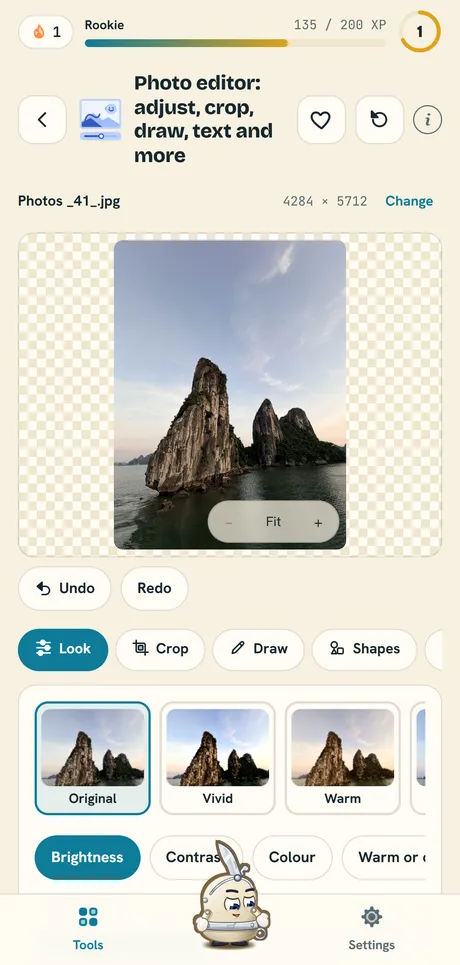
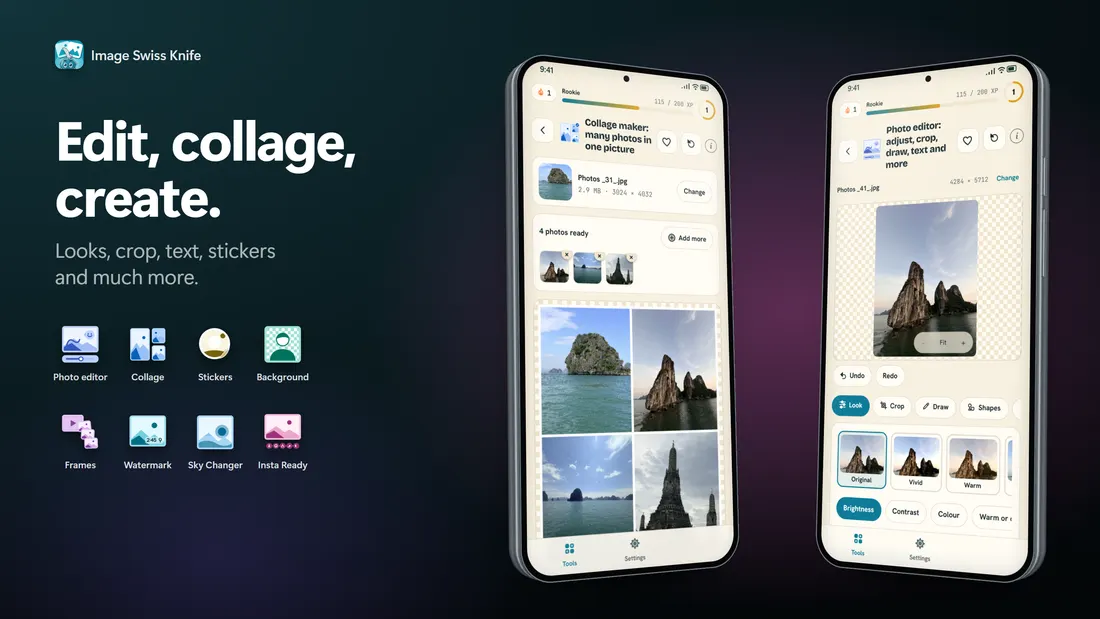
Brightness, looks, crop, draw, text, shapes and emoji in one editor. Take the background off a product photo, lay many photos out as a collage, or make a QR code with a style of your own.

  • Photo editor with looks and sliders
  • Remove background (AI), collage maker, QR and barcode maker
  • Save as JPG, PNG or WebP
Open the photo editor
Photo editor with looks and brightness slider
Before you share

Every photo knows where it was taken.

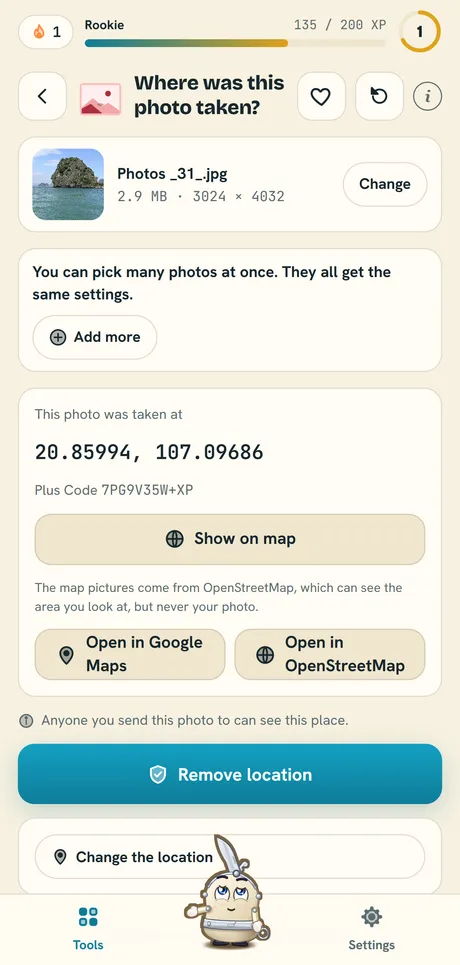
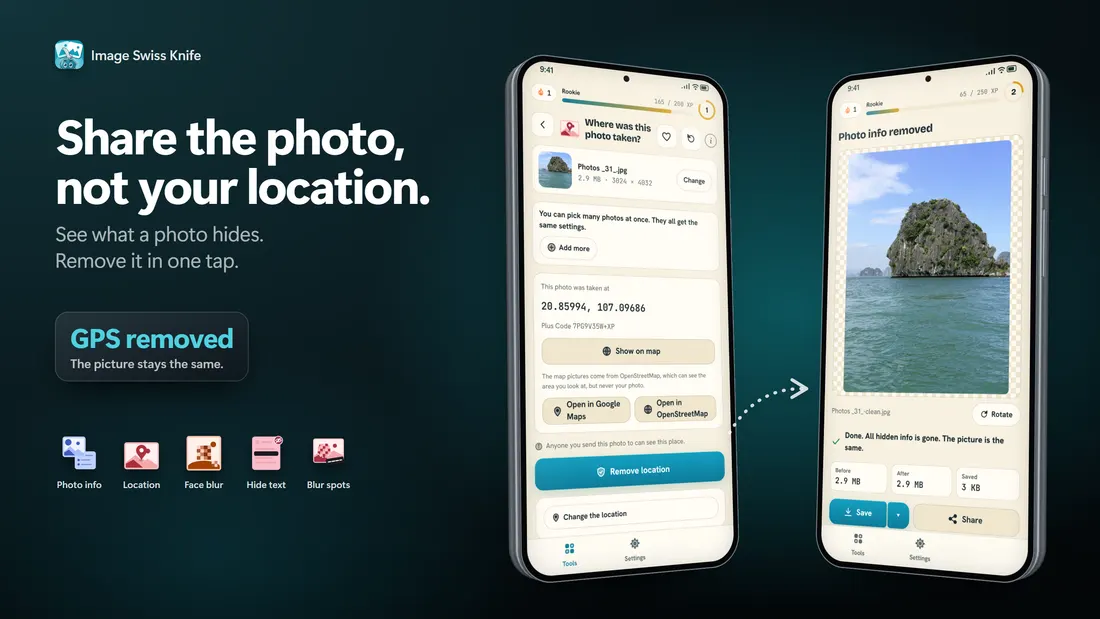
Phone photos carry hidden details: the place, the date, the camera. See them, remove them, or add a place by hand. Blur faces or hide text on a picture before it goes online.

  • Photo location checker with an OpenStreetMap view
  • Remove all hidden photo info in one tap
  • Blur faces (AI) and hide text
Check a photo location
Where was this photo taken screen with a map link
Check a photo

Where did this picture come from?

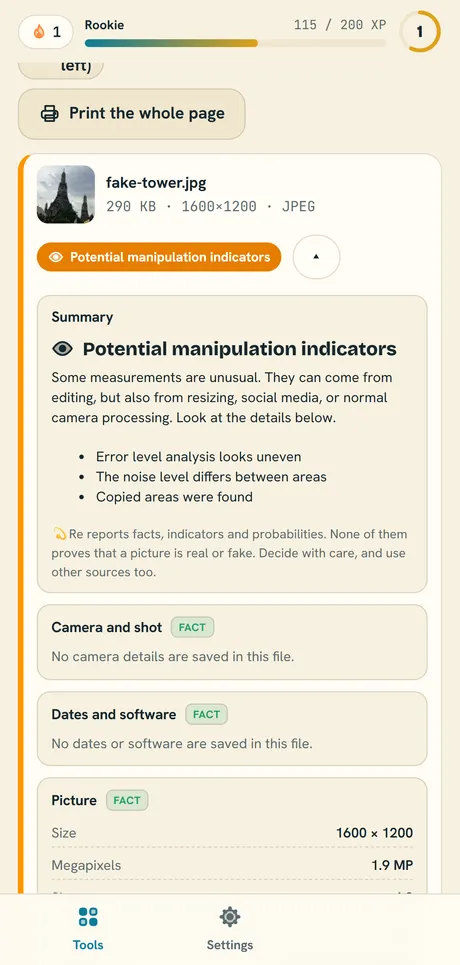
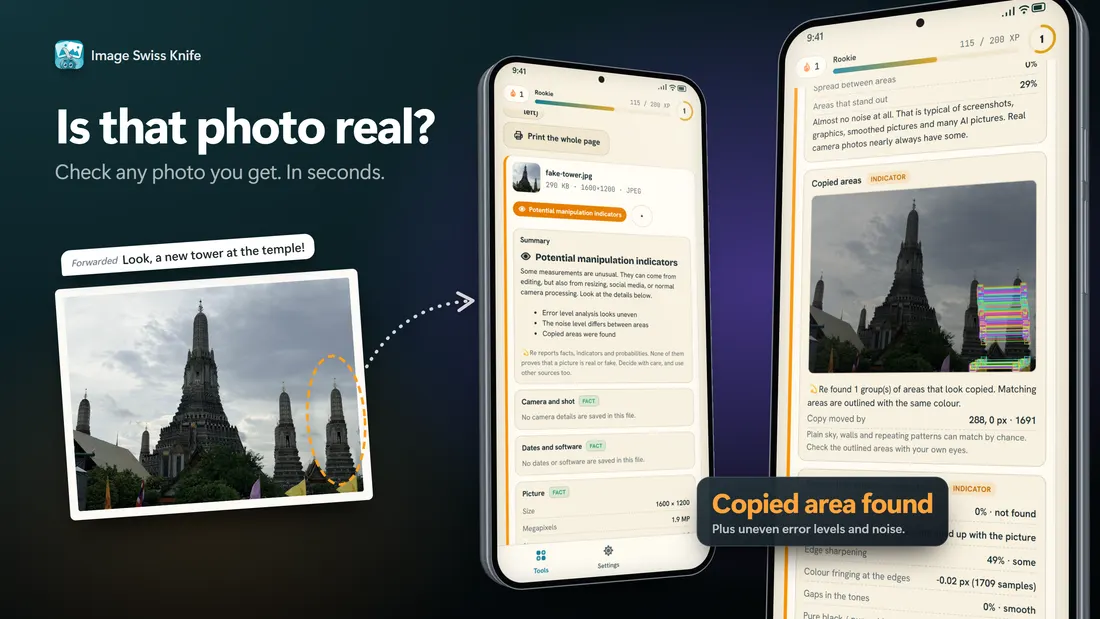
Image Forensics reads the picture: camera details, edits, error levels, signs of copying, and an AI check. It reports indicators and probabilities. It never says a picture is definitely fake.

  • Dashboard for up to 10 pictures at a time
  • Error level and noise views
  • Print the whole report as a page
Check a photo
Image Forensics summary with potential manipulation indicators
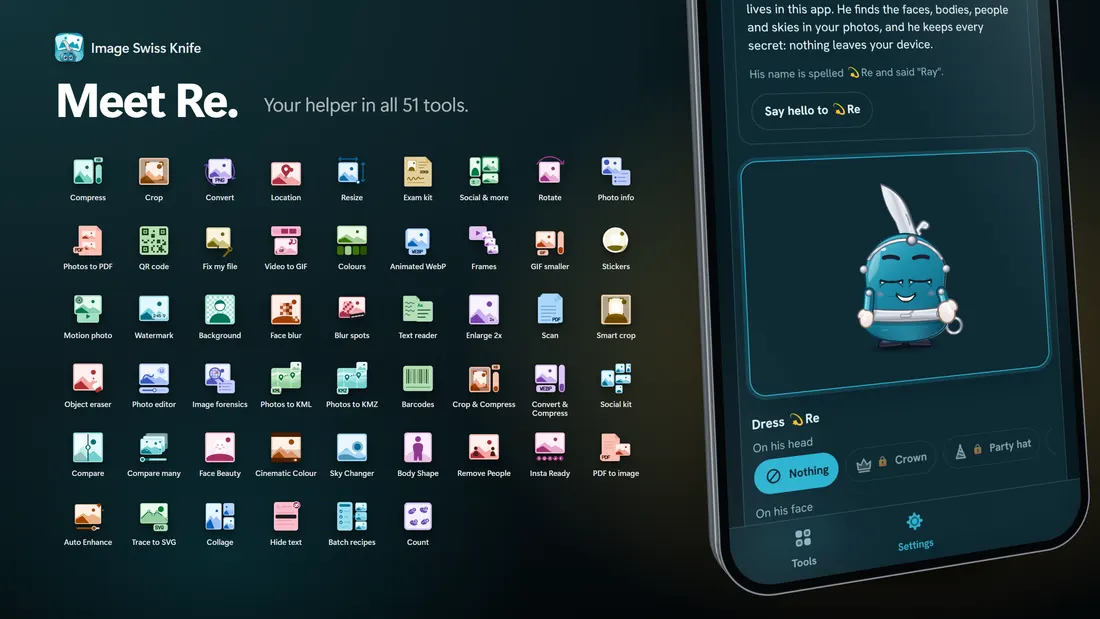
All 51 tools

Pick the job, skip the hunt.

Every tool has its own page, with a short guide at the bottom. Tools marked AI download a helper model the first time you use them.

Everyday

The jobs people do ten times a week.

Studio

Faces, skies and colour, always on your own photo.

Privacy and checks

Know what a photo says about you.

Maps

Photos on a map.

Documents

Paper, PDF and text.

Codes and colours

QR, barcodes and palettes.

In the store

See it on a phone.

Image Swiss Knife store screenshot 1Image Swiss Knife store screenshot 2Image Swiss Knife store screenshot 3Image Swiss Knife store screenshot 4Image Swiss Knife store screenshot 5Image Swiss Knife store screenshot 6Image Swiss Knife store screenshot 7Image Swiss Knife store screenshot 8
The deal

Simple, and honest.

PrivateStays on your device

The tools run on your phone. Your pictures are not uploaded, and there is nothing to sign up for.

FreeFree, with ads

Image Swiss Knife is free to use. It shows ads, and you can watch one short ad to switch them off for 24 hours.

ReA knife with a face

Meet Re, the pocket knife who works on your picture, cheers when you finish and never makes up a new face.

Good to know. AI tools download a helper model once, so the first use needs the internet. Exam and ID photo sizes change, so check the official notice for the current rule. Image Forensics reports indicators and never says a picture is definitely fake. Read the Privacy Policy, Terms of Use and Data Safety pages.

Questions

Quick answers.

Is Image Swiss Knife free?

Yes. It is free to download and use, with no sign-up. The app shows ads, and you can watch one short ad to switch ads off for 24 hours.

Does it upload my photos?

No. The tools run on your phone and your pictures are not uploaded. The web version runs in your browser the same way.

Which Android versions does it run on?

Android 12 and newer.

Do the AI tools need the internet?

The AI tools (marked AI) download a helper model the first time you use them. After that they work on the device. The size depends on the tool.

Can I use it on a computer?

Yes. The same tools open in your browser at trishunya.tech/image-swiss-knife/app/. It needs an internet connection to open and your photos still stay in the browser.

Will the exam photo sizes always be accepted?

Exam and ID rules change. The tools help you reach a size, but always check the official notice for the current rule.

Your next photo job, done in three taps.

Free on Google Play for Android 12 and newer, or open it right here in your browser.